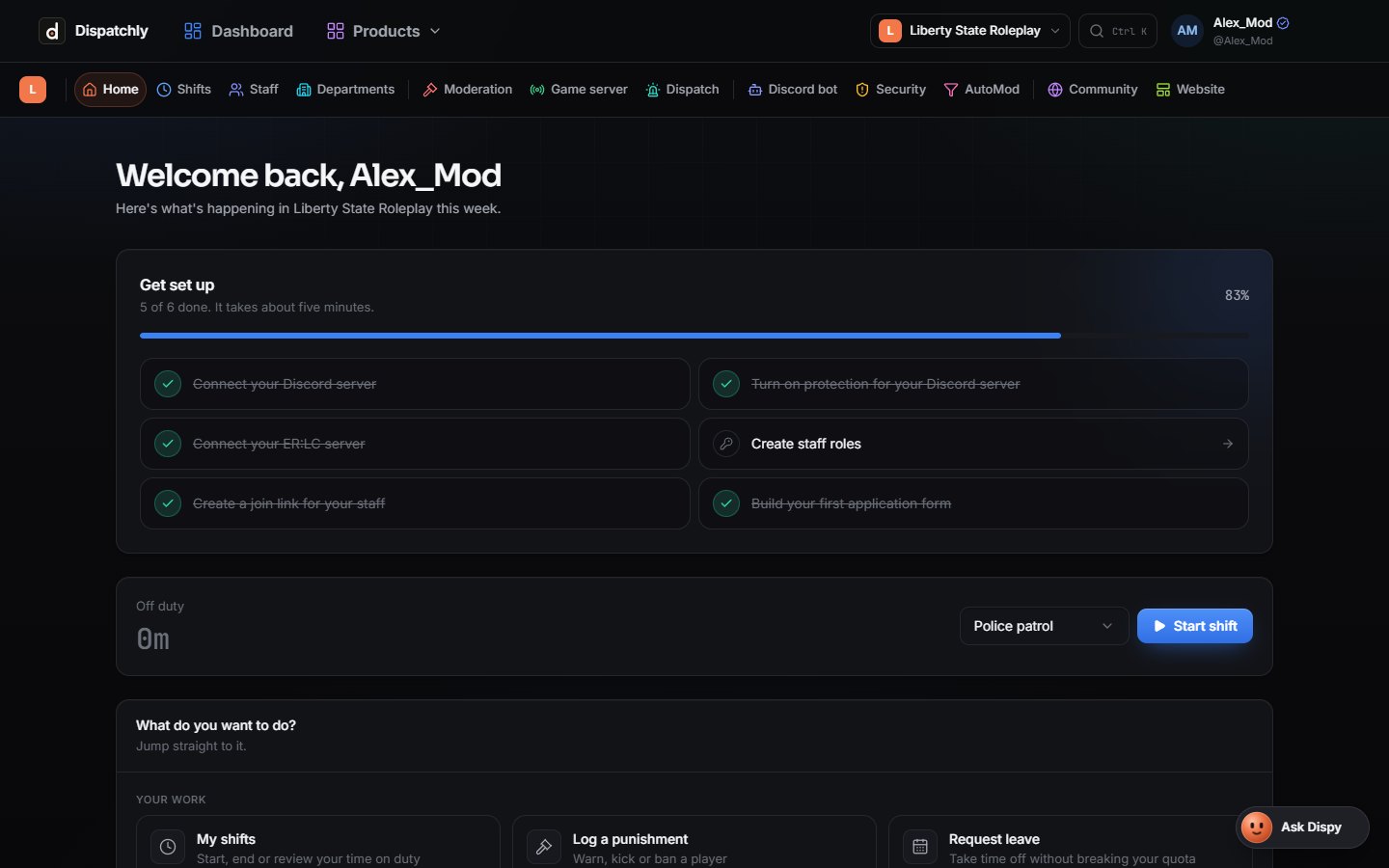
Discord bot
A Discord bot that feels like yours
Your own name, picture and banner. Embeds you design with a live preview. Tickets, protection and logs, all set up in a dashboard instead of config files.
Features
Everything your server asks for
Your own profile
Change the bot's name, bio, picture and banner in your server only.
Embeds & panels
Banners, text, buttons and dropdowns, with a preview that looks like Discord.
Tickets
Open private support channels from a button or a dropdown, with transcripts.
Protection
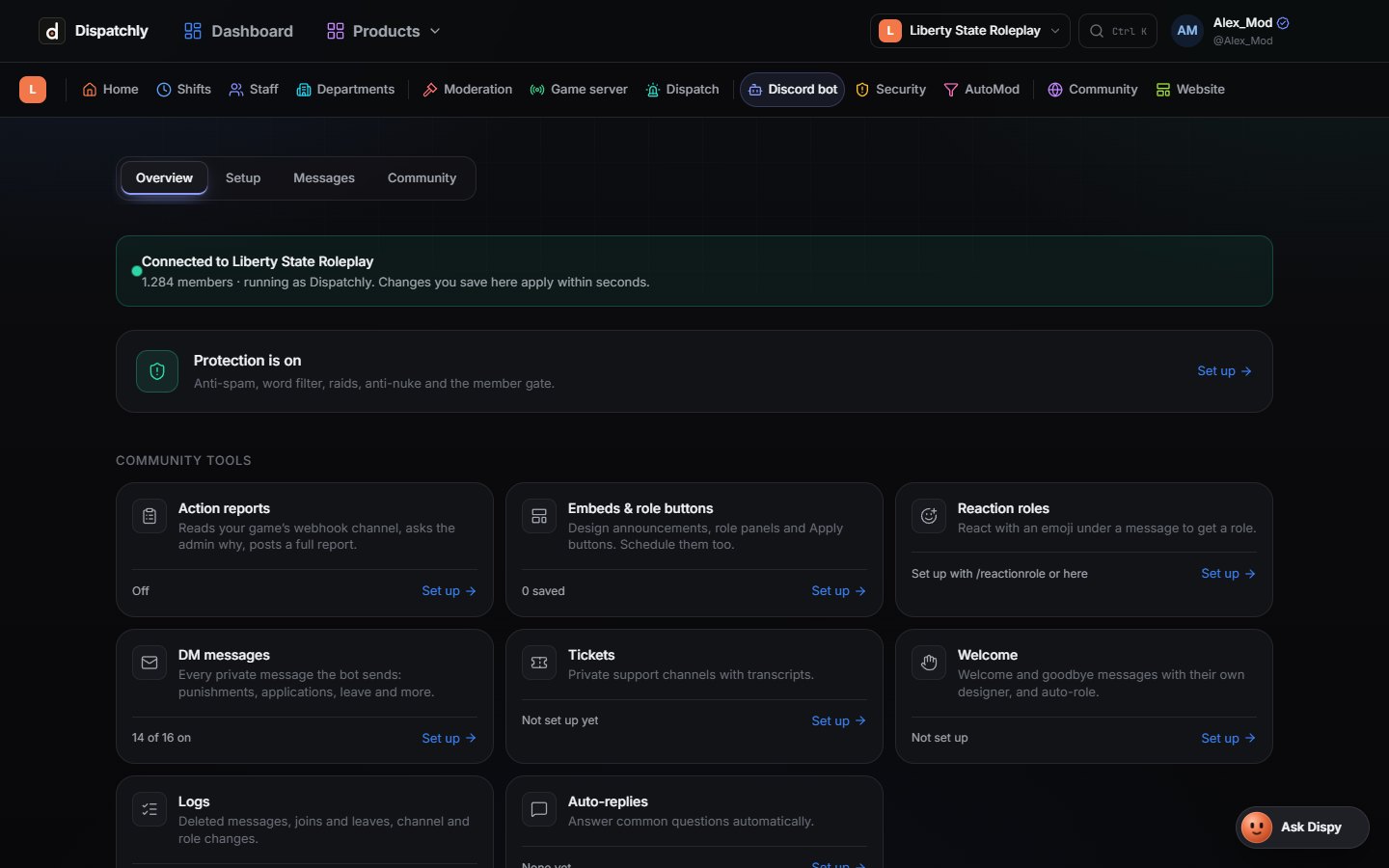
Anti-spam, anti-raid and anti-nuke that puts deleted channels and roles back.
Action reports
Reads your game's webhook channel, asks the admin why, and posts a full report.
Welcome & auto-replies
Welcome and goodbye embeds, and answers to the questions people ask every day.
Setup
Live in one click
- 1
Add the bot
Press Add to Discord in your dashboard and pick your server. It links itself.
- 2
Pick channels and roles
Real channel and role names in dropdowns, no IDs to copy.
- 3
Turn on what you need
Each module has its own switch. Commands appear in your server within a minute.
Give your server a better bot
Free during launch. Set up in minutes from your dashboard.