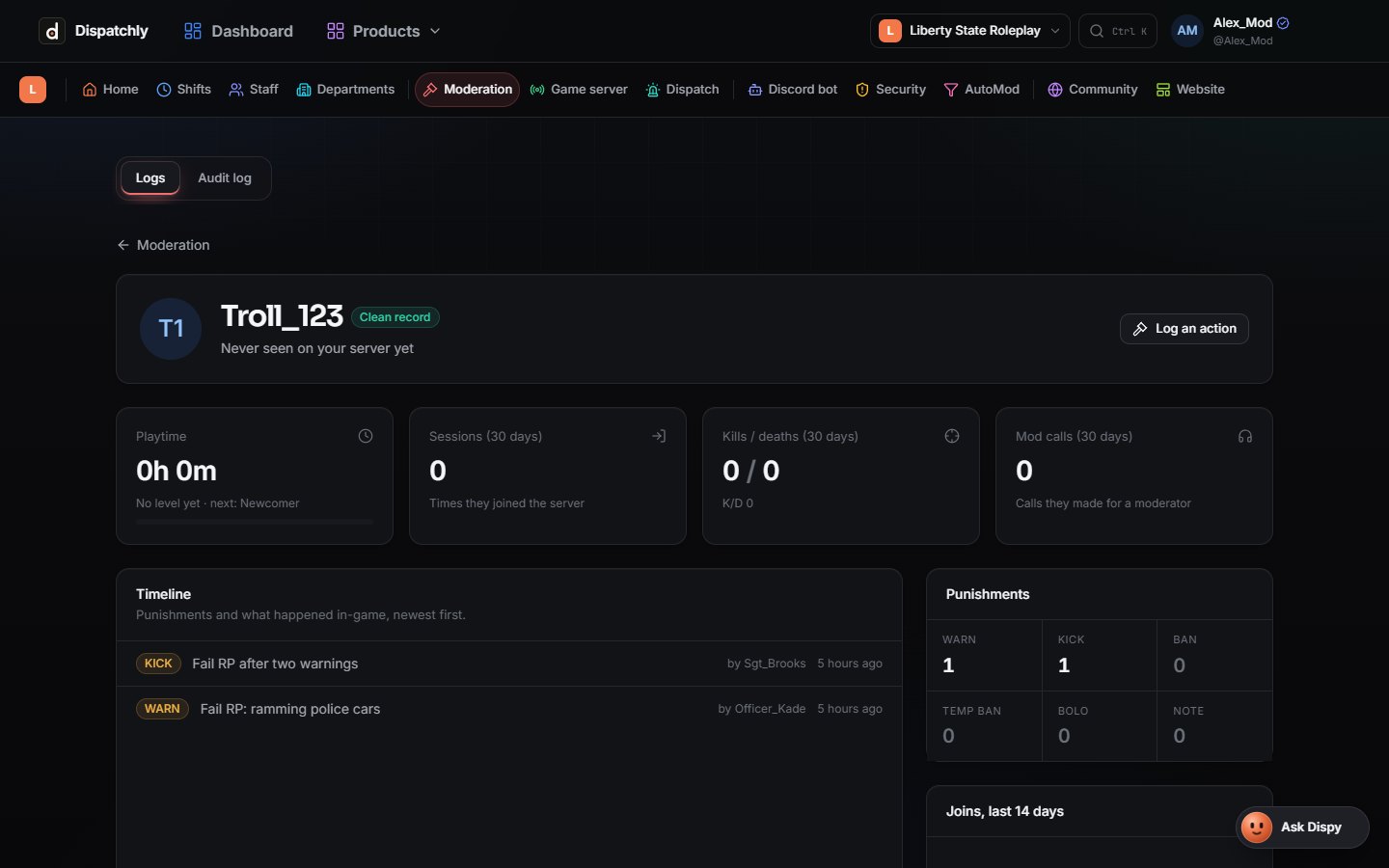
ER:LC tools
Your ER:LC server, under control
See every player, follow the game as it happens and run commands from your browser. Then let the automations handle shifts, punishments and alerts while you play.
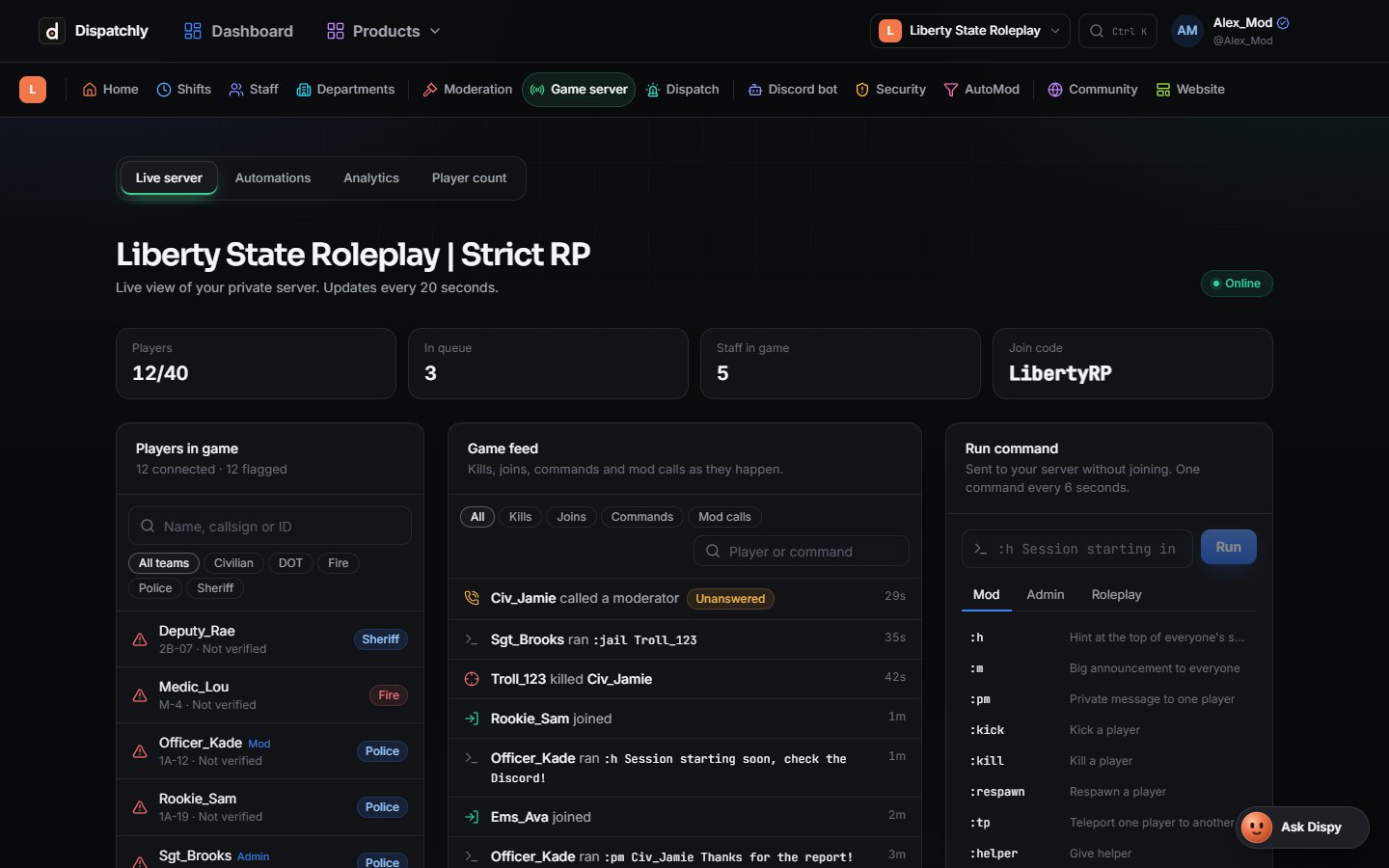
Live server
A mod panel that never needs Roblox open
Every player, searchable
Filter by team, search by name, callsign or Roblox ID. Staff and flagged players float to the top.
The game feed
Kills, joins, leaves, commands and mod calls in one stream, with unanswered calls marked.
Run command
Hints, announcements, kicks and more, with suggestions on Tab and the right rights per rank.
Automations
Set it once. It runs all day.
Every 30 seconds Dispatchly checks your server and does what you'd otherwise do by hand. Each automation has its own card with its own save button.
- Polls your server around the clock, even when you're offline
- Respects ER:LC's command limits
- Every action lands in the automation log
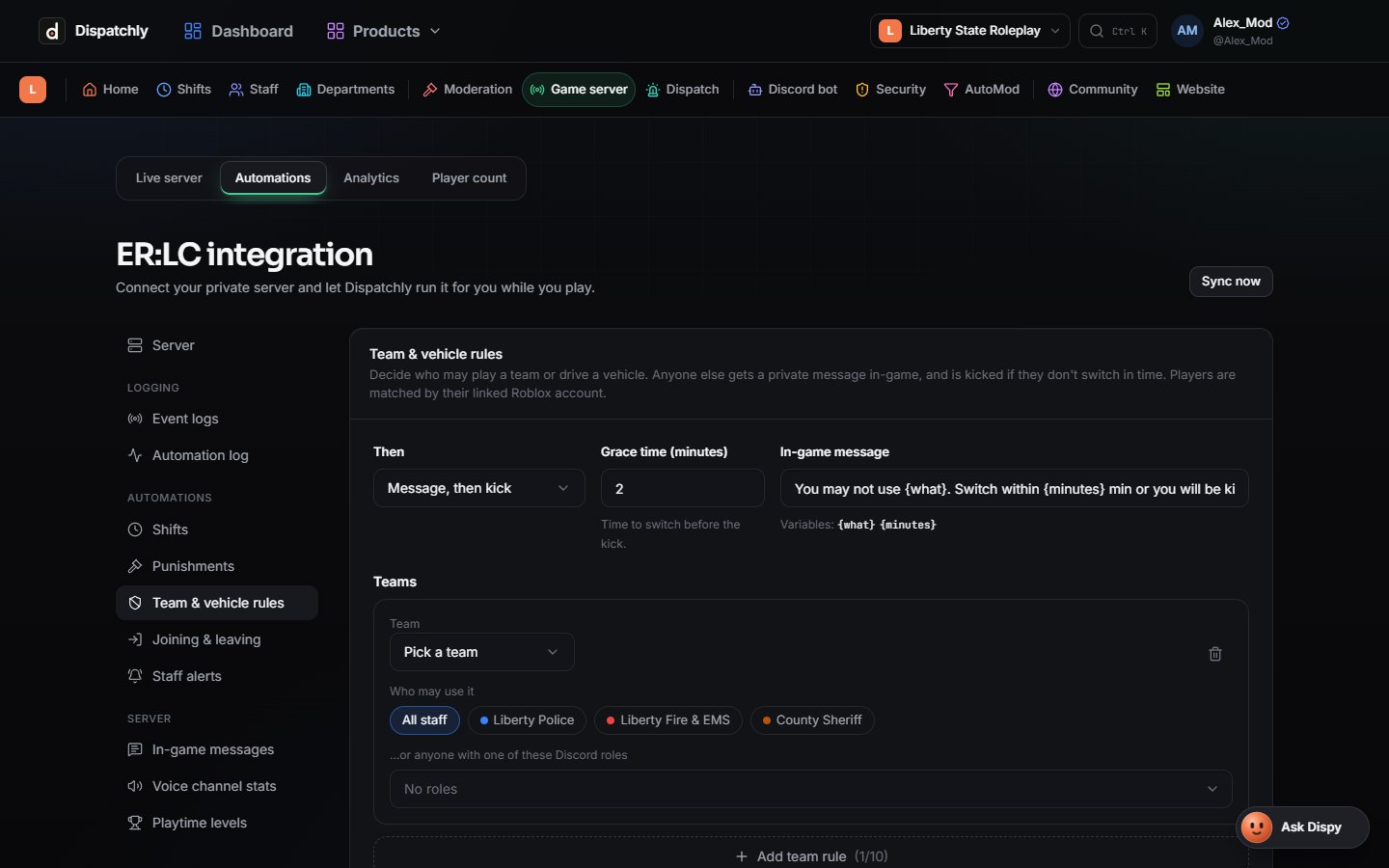
Shift automation
Shifts start when staff join on the right team, and end when they leave.
Punishment controls
Kicked players who rejoin too soon get kicked or banned again, and it's logged.
Joining & leaving
A welcome message, a filter for “all” and “others” names, and permissions removed when staff leave your Discord.
Staff alerts
Off-duty commands and mass commands like :kick all, sent to Discord with a role ping.
Voice channel stats
“In Game: 24/40” and the queue size, live in a voice channel name.
Playtime levels
Players level up by playing on your server and see it with /playtime.
Setup
Connected in two minutes
- 1
Copy your server key
In ER:LC open your private server's Settings, then ER:LC API, and copy the key.
- 2
Paste it in Dispatchly
Under In-game, Automations. It's encrypted before it's stored and never shown again.
- 3
Switch things on
Pick the automations you want. The live panel works straight away.
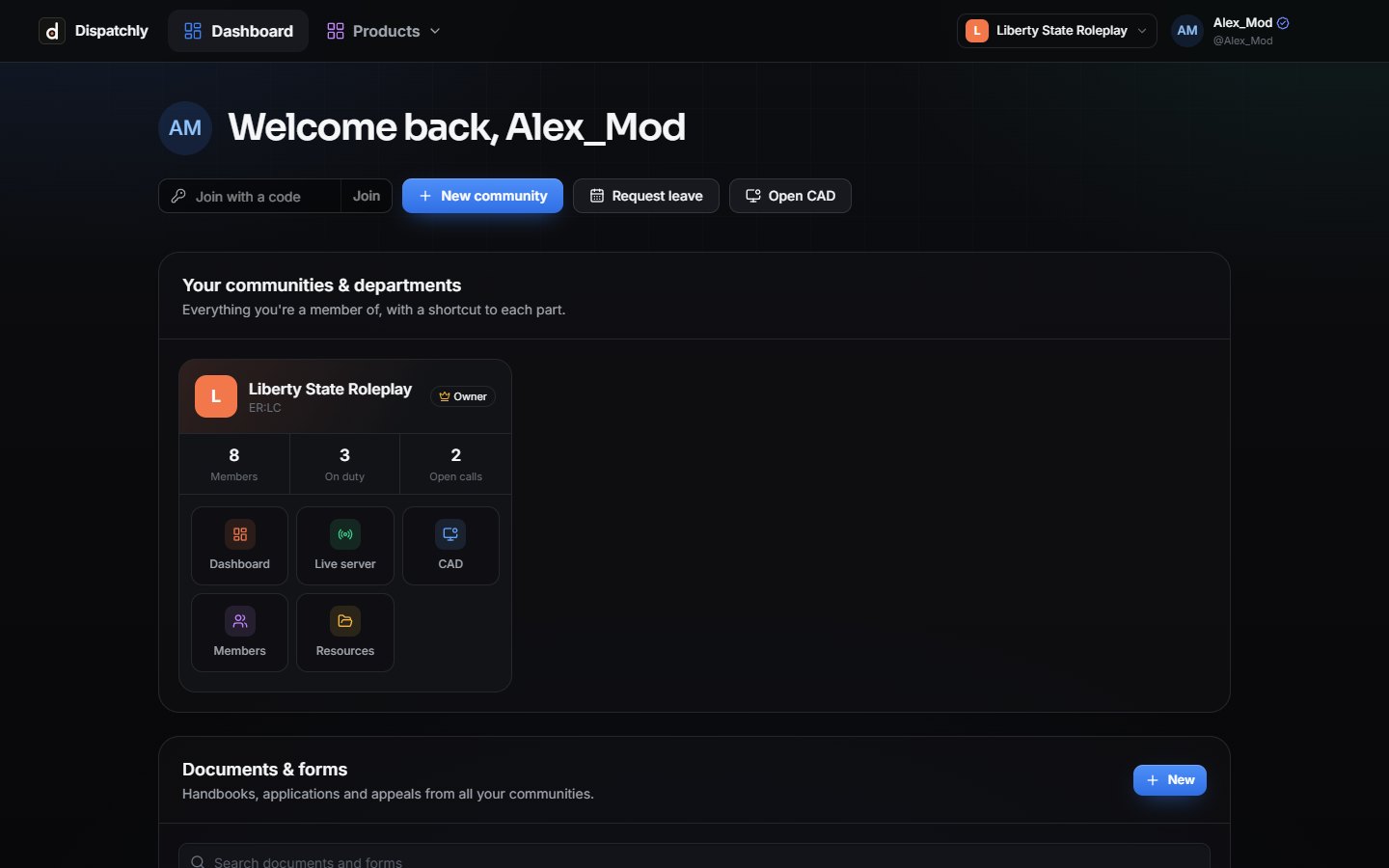
Spend your time roleplaying, not babysitting
Connect your ER:LC server and let Dispatchly take the busywork.